 Email us -
 Messaging
 OnDemand
 Social Networking
 E-commerce
 Job Search
 Education
 Food
Food
 Conference
 Travel
 Linphone
 Geofence
 Medical
 Taxi
Taxi
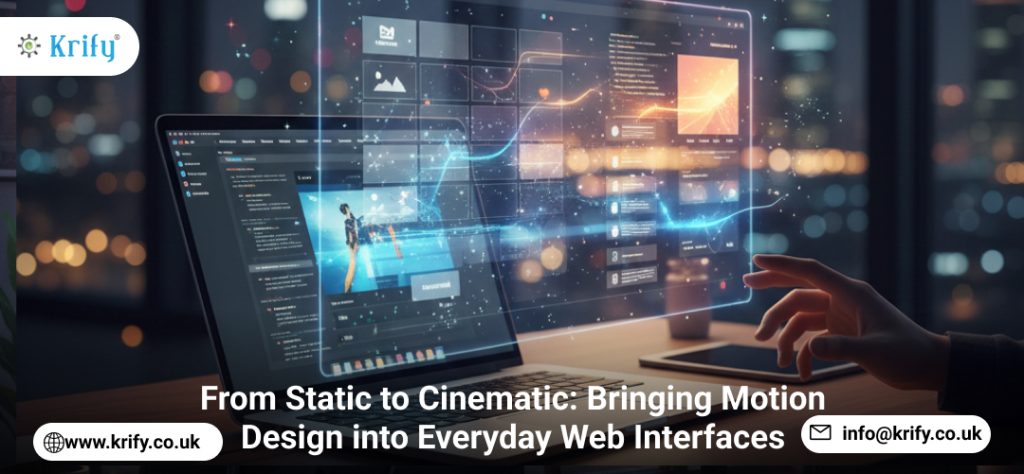
In today’s digital landscape, users expect more than static pages and basic transitions. Motion design in web interfaces has evolved from flashy homepage intros into a critical part of modern UI/UX, helping guide attention, provide feedback, and make interactions feel natural. When done right, motion is not just decorative it’s functional. Motion helps users understand cause and effect, reduces cognitive load, and adds a layer of delight to every interaction. This shift means frontend developers must think of animation as a core skill, not an optional enhancement.
Why Motion Matters
Micro interactions like button hovers, loading animations, and smooth page transitions make interfaces more intuitive. A subtle bounce on a “Submit” button or a sliding panel that reveals new content gives users immediate feedback, reinforcing their actions. This kind of responsiveness builds trust and improves overall user satisfaction. In e-commerce, for example, animations can highlight promotions or guide shoppers through checkout. In productivity apps, motion can help users navigate complex features with ease.
Beyond functionality, motion design in web interfaces creates an emotional connection. Smooth transitions mimic the physical world, making digital interfaces feel more natural. This is particularly important in mobile experiences, where gestures like swiping, pinching, and pulling are enhanced by animations that respond in real time.
Keeping It Performance-Friendly
One common concern with animations is performance. Heavy, unoptimized animations can cause lag and drain battery life, especially on mobile devices. The solution lies in leveraging GPU accelerated CSS transforms, the FLIP (First Last Invert Play) technique, and lightweight JavaScript libraries like GSAP or Framer Motion. Developers should also pay attention to animation duration and easing curves, ensuring that motion enhances rather than delays user interaction.
Testing on a range of devices is crucial. What looks smooth on a high end desktop might stutter on a mid-range phone. Performance profiling tools in Chrome DevTools and Firefox can help diagnose issues and optimize accordingly.
Accessibility First
Not all users enjoy animations some have motion sensitivity. Respecting the prefers reduced motion media query and providing toggles ensures an inclusive experience. Animations should never be the only way to convey information. For example, a form validation error should also include text or icons, not just a shake animation.
The Takeaway
Motion design in web interfaces is storytelling in pixels. Whether it’s animating a menu, adding a shimmer effect to a product card, or creating smooth page transitions, small, well considered animations can transform a static interface into a cinematic experience. In 2026, the best interfaces will be the ones that balance visual flair with speed, clarity, and accessibility. Have a project in mind or need expert guidance? Contact us to discuss how we can help bring your vision to life.